
Download Case Simulator Weapons and Armors – Virtual Item Collection, Case Opening, Skin Inventory, Realistic Unboxing
Overview
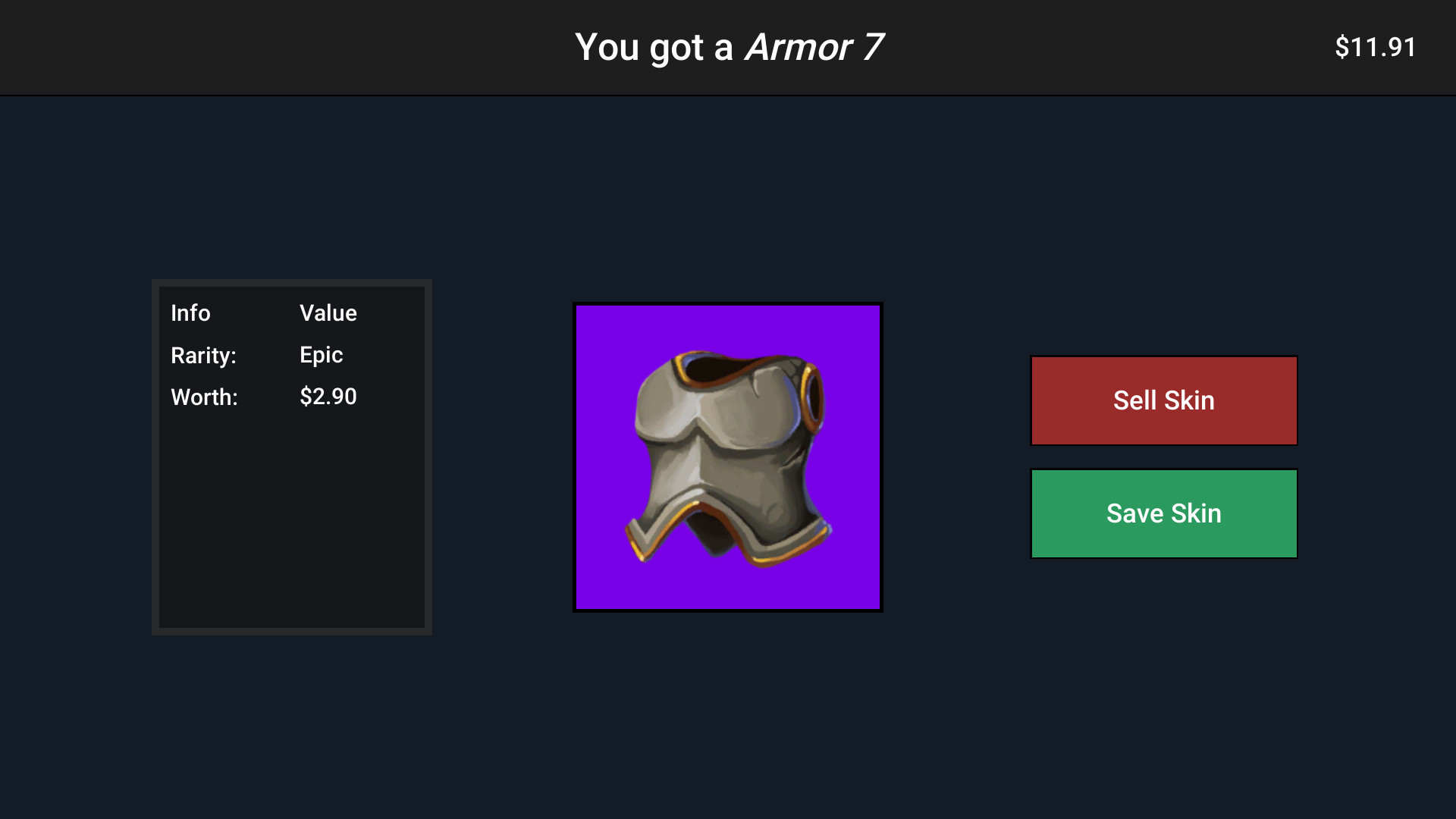
Case Simulator Weapons and Armors is a mobile application designed for players who enjoy the thrill of virtual item collection and unboxing. The app simulates the experience of opening cases to reveal rare and exotic weapon skins and armor designs, offering a digital alternative to real-world loot box mechanics. Its core purpose lies in delivering an immersive, realistic case-opening experience that caters to collectors, gaming enthusiasts, and fans of cosmetic customization. By focusing on the anticipation and visual satisfaction of unboxing, the app addresses the psychological appeal of surprise and reward found in popular gaming ecosystems. The target users include mobile gamers who appreciate visual variety, customization, and the strategic element of managing a growing inventory of virtual items. While the developer’s background is not publicly disclosed, the app’s consistent design and functionality suggest a dedicated team focused on user engagement and retention. Real-world use cases include personal entertainment, digital collection management, and simulated gaming experiences for those who enjoy the aesthetic and emotional payoff of acquiring rare skins. In the broader app ecosystem, Case Simulator Weapons and Armors fills a niche by offering a standalone, accessible platform for item collection without requiring integration with other games or platforms.Key Features & Functionality
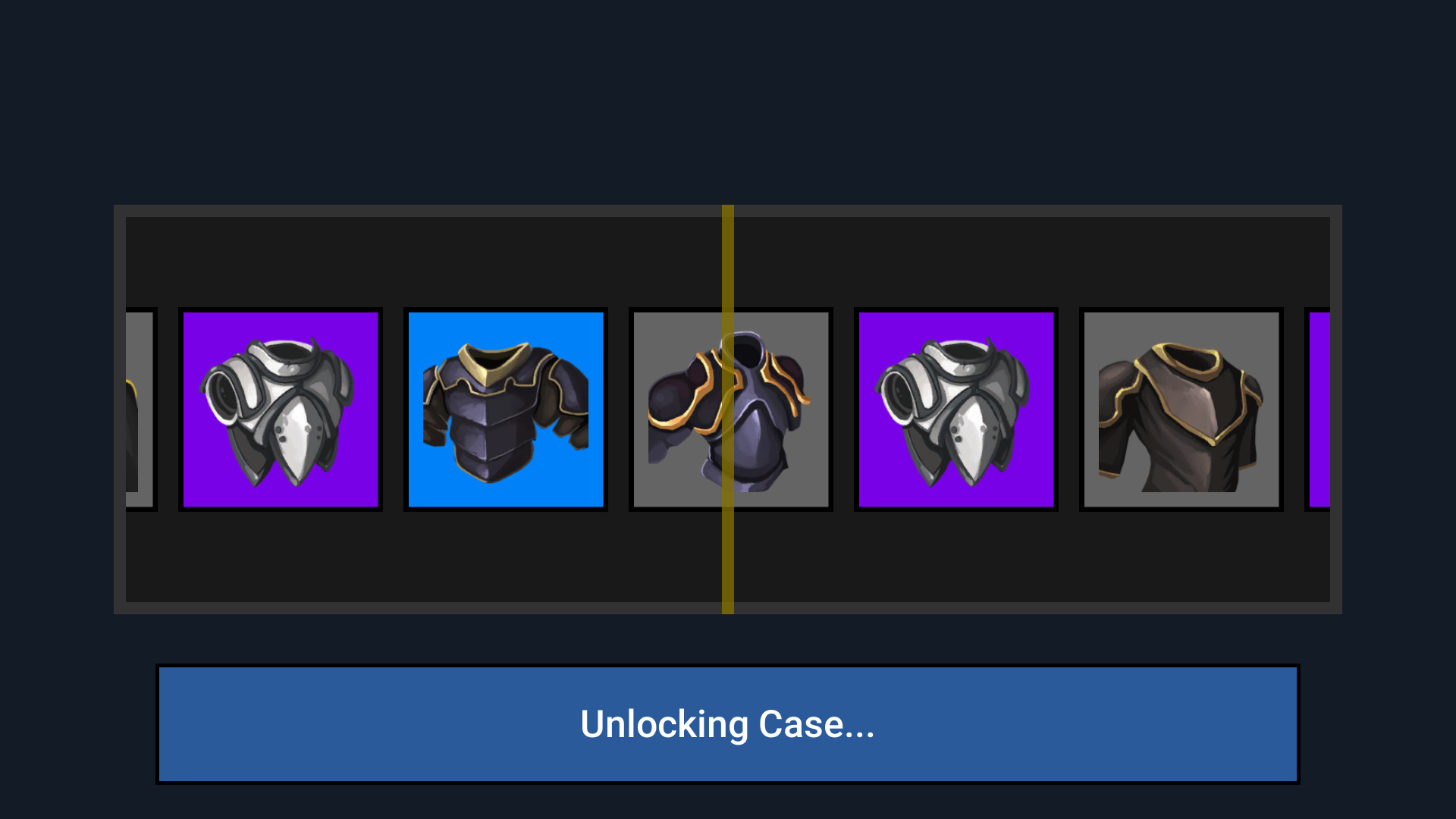
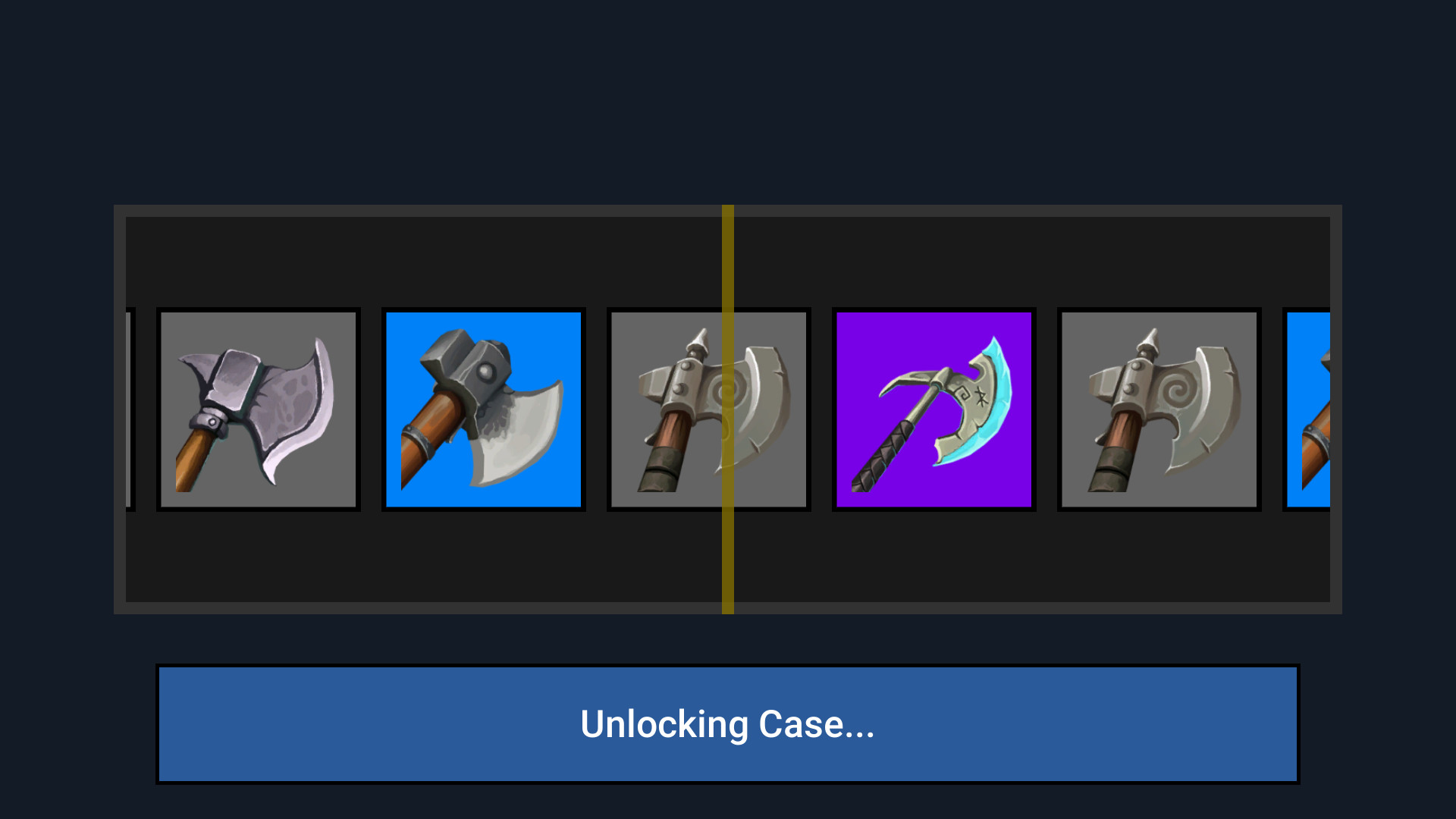
The app delivers a suite of features centered around the unboxing and management of virtual skins. Each feature is designed to enhance realism and user engagement.- Realistic Case Opening: Users experience lifelike animations and audio cues when opening cases, simulating the suspense and excitement of real unboxing. This feature is particularly effective in creating emotional engagement and replayability.
- Comprehensive Skin Inventory: A well-organized interface allows players to browse, sort, and track their collected weapons and armors. This functionality supports long-term collection goals and enables easy comparison between different skins.
- User-Friendly Interface: The app is accessible from the first launch, with all core functions immediately available. This eliminates the need for progression systems, making it ideal for casual users seeking instant gratification.
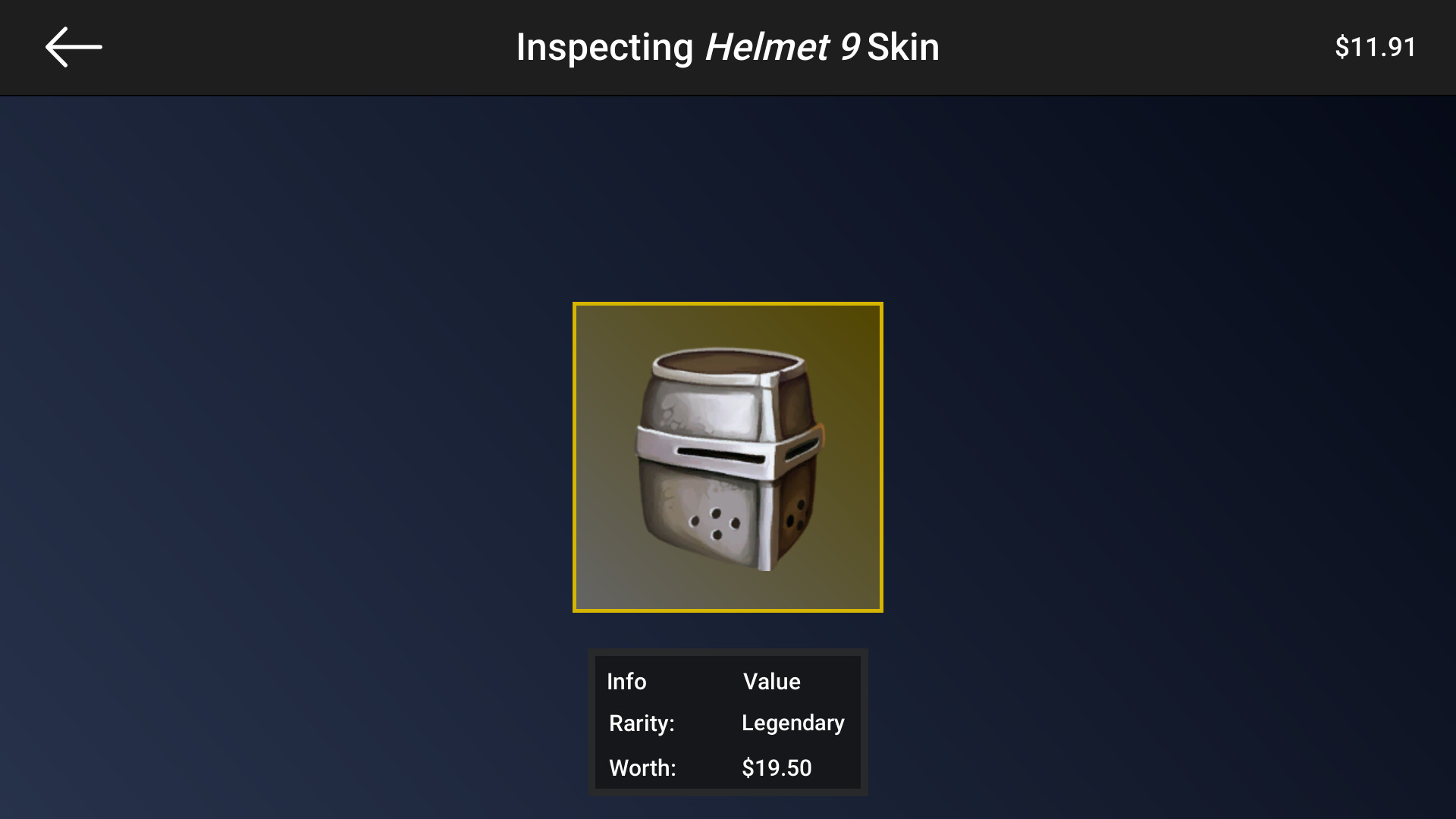
- Item Inspection and Preview: Players can examine skins in detail, reviewing design elements and visual attributes before making decisions. The preview function enhances the sense of ownership and helps users visualize how items would look in a real gaming context.
- Weighted Skins System: Skins are assigned weighted values that influence collection strategy. This adds depth to gameplay, encouraging users to plan their case openings based on rarity and desirability.
Interface, UX & Performance
The user interface of Case Simulator Weapons and Armors is designed with clarity and accessibility in mind. The layout emphasizes intuitive navigation, allowing users to move between case opening, inventory management, and item inspection with minimal friction. Visual elements are clean and consistent, with a focus on high-quality animations and responsive feedback. The app’s design supports a smooth user journey, minimizing confusion and enhancing overall usability. Navigation is straightforward, with clearly labeled menus and a logical flow between core functions. Users can access all features immediately, which contributes to a low learning curve and high engagement. Although the developer did not list formal performance metrics, the app’s design suggests optimization for a wide range of mobile devices. Responsiveness appears consistent across different screen sizes, and stability is maintained during repeated use. The app’s performance is likely tuned to balance visual fidelity with efficient resource usage, ensuring that animations and transitions run smoothly without excessive battery drain. While specific device compatibility details were not disclosed, the interface’s adaptability indicates broad usability. The absence of reported crashes or freezes in available documentation suggests a stable runtime environment.Platform Compatibility & Technical Requirements
The app is available on Android and iOS platforms. The software version is not specified, and the file size is also not disclosed. The developer did not provide information on minimum OS requirements or device compatibility. Specific hardware or software prerequisites were not listed. The developer did not specify whether the app supports tablets or only smartphones. The app’s size may vary depending on device configuration and cached data, but no official figures were provided. Users should expect the app to function on standard mobile devices, though performance may differ based on individual hardware capabilities.Pros and Cons
Pros
- Realistic animations and audio enhance the unboxing experience.
- Intuitive interface allows immediate access to all features.
- Comprehensive inventory system supports long-term collection tracking.
- Item inspection and preview tools improve visual decision-making.
- Weighted skins add strategic depth to collection management.
Cons
- Developer did not disclose minimum OS or device requirements.
- File size and version details were not provided.
- Platform-specific compatibility for tablets was not confirmed.
- No information on update frequency or future feature roadmap.
- Performance on older devices was not tested or documented.


